

Modern computing needs fast responses and smart power use. This new tech is a big step forward in processor tech.
This system lets processors pick the best speeds and voltages on their own. It makes intel cpu performance better and saves energy.
It’s different from old software methods. This tech makes changes fast, without waiting for the operating system.
This is a big step in dynamic frequency scaling. It gives finer control over how the processor works and changes speed.
It makes computers work better under heavy loads. Users get smoother performance and use less power.
What Is Intel Speed Shift Technology
Intel Speed Shift Technology is a big change in how processors work. It’s different from old ways that needed the operating system to help. Now, the hardware itself controls how fast it runs.
Core Principles and Objectives
The main aim is to make systems much quicker. It does this by changing how fast the processor runs very quickly. This is much faster than before.
This new way lets the processor act fast when it needs to. It balances being fast and using less power without waiting for the operating system.
Related Posts:
- What Is Intel Rapid Storage Technology Used For RAID…
- How Technology Innovations Are Transforming Policing…

- How Much Money Does the Technology Industry Make…

- How Technology Has Improved Agriculture Precision Farming

- What Is Micro LED Technology The Next Generation of Displays

- How Technology Will Change Accounting AI Automation…

It aims to cut down on delays when changing speed and keep performance high during busy times. These changes make everyday tasks better for users.
Evolution from Earlier Intel Technologies
Speed Shift came from Enhanced Intel SpeedStep Technology. While both aim for power efficiency, they work in different ways.
The big change is how it’s controlled. Enhanced Intel SpeedStep used the operating system to change speed, which caused delays.
Intel Speed Shift uses hardware to control speed, which is a big step up. It first appeared in the Skylake processor and made a big difference.
Tests showed big improvements in how users experience it. The quick changes made by hardware are much better than old software methods.
| Feature | Enhanced Intel SpeedStep | Intel Speed Shift |
|---|---|---|
| Control Mechanism | OS-dominated frequency scaling | Hardware-managed P-states |
| Transition Speed | Millisecond response times | Microsecond response times |
| Primary Innovation | Dynamic voltage and frequency scaling | Hardware-controlled performance states |
| Processor Introduction | Pentium M processors | Skylake processor family |
This change shows Intel’s dedication to improving how processors manage performance. The technology keeps getting better with each new processor generation.
Mechanics of Intel Speed Shift Technology
Intel Speed Shift Technology changes how processors adjust performance. It moves decision-making closer to the silicon for better speed. This approach allows for quick adjustments that old methods can’t match.
Dynamic Frequency and Voltage Scaling
The core of Speed Shift is P-states. These are specific frequency and voltage settings for the processor. Unlike before, Speed Shift lets the CPU switch between these states quickly.
Each P-state is a balance of speed and power use. When workloads increase, the processor quickly moves to higher P-states for more power. When workloads are low, it drops to lower P-states to save energy.
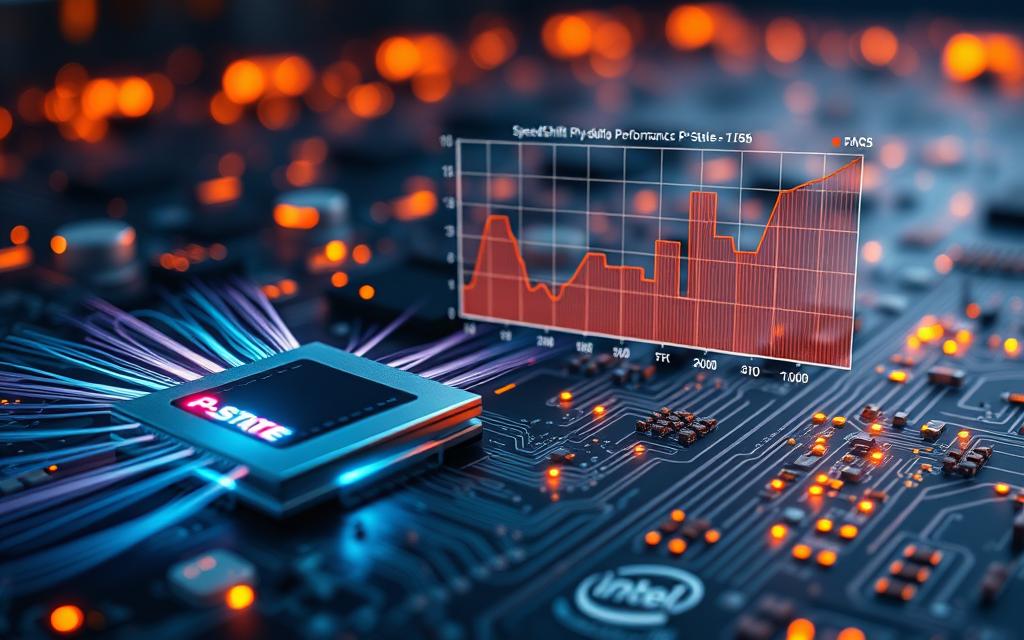
Speed Shift’s beauty is in its fine-tuned adjustments. It makes smooth transitions that fit the needs of running apps. This avoids the sudden changes of older tech.
Hardware-Based Control Mechanisms
Speed Shift’s efficiency comes from its hardware controlled performance design. The CPU has special logic that watches workload and decides on P-state changes.
This design cuts out the delay of OS requests. Speed Shift can change performance in microseconds, much faster than before.
The CPU’s logic looks at several things when deciding:
- Current workload and thread activity
- Thermal conditions and power limits
- Performance needs from running apps
- System power policy settings
This self-decision-making is a big step forward. It lets the processor adjust performance on the fly to meet real-time needs.
Integration with Operating Systems and Firmware
Speed Shift works closely with modern operating systems. It’s a team effort where each part does its best.
The OS sets performance limits and policies. It decides the minimum and maximum performance levels based on user settings. Then, the hardware makes the fine adjustments.
“The OS knows about available hardware P-states and asks for the desired P-state. Or it lets the hardware choose.”
This teamwork respects user wishes while using the hardware’s quick response. The OS makes big policy decisions. The processor fine-tunes performance in microseconds.
Firmware acts as a bridge between hardware and OS. It makes sure performance policies are followed and the hardware stays safe.
This system is a mix of OS control and hardware speed. It’s a smart way to manage performance.
Advantages of Intel Speed Shift Technology
Intel Speed Shift Technology brings real benefits to our daily use of computers. It improves both how fast and how long our devices last. This makes modern processors more powerful than ever.
Enhanced System Responsiveness
This technology makes our computers much quicker. It cuts down on delays when switching between tasks. Unlike old methods, Speed Shift lets the processor make fast choices on its own.
Apps start up faster, and our computers feel quicker. Intel explains it well:
“Speed Shift delivers quicker responsiveness with short duration performance shifts”
Users will love how fast their devices react. Whether it’s opening apps or switching tasks, it’s instant.
Power Efficiency and Extended Battery Life
Mobile users will love the power-saving feature. It cuts down on power consumption when we’re not using it hard. This means our laptops and tablets last longer on a single charge.
Even desktops save energy and cost less. They don’t lose speed when we need it most.
Want to try these benefits? Our guide on Intel Speed Shift Technology shows you how to set it up.
Implementation and Compatibility
To use Intel Speed Shift Technology well, you need to know about hardware and settings. This part will help you find out if your system works and how to make it run best.
Supported Intel Processors and Platforms
Intel Speed Shift Technology is a big step forward in processor design. It first came out with the 6th Generation Core processors, known as Skylake. It’s been in all newer generations.
Today, Intel’s Core i3, i5, i7, i9, and Xeon processors have this feature if made from 2015 on. The tech works best with the right BIOS/UEFI firmware. Most motherboard makers have this ready for compatible systems.
The table below shows which processor families support Intel Speed Shift Technology:
| Processor Generation | Codename | Year Introduced | Minimum OS Support |
|---|---|---|---|
| 6th Gen Core | Skylake | 2015 | Windows 10 |
| 7th Gen Core | Kaby Lake | 2016 | Windows 10 |
| 8th Gen Core | Coffee Lake | 2017 | Windows 10 |
| 9th Gen Core | Coffee Lake Refresh | 2018 | Windows 10 |
| 10th Gen Core | Ice Lake | 2019 | Windows 10 |
Enabling and Configuring Speed Shift
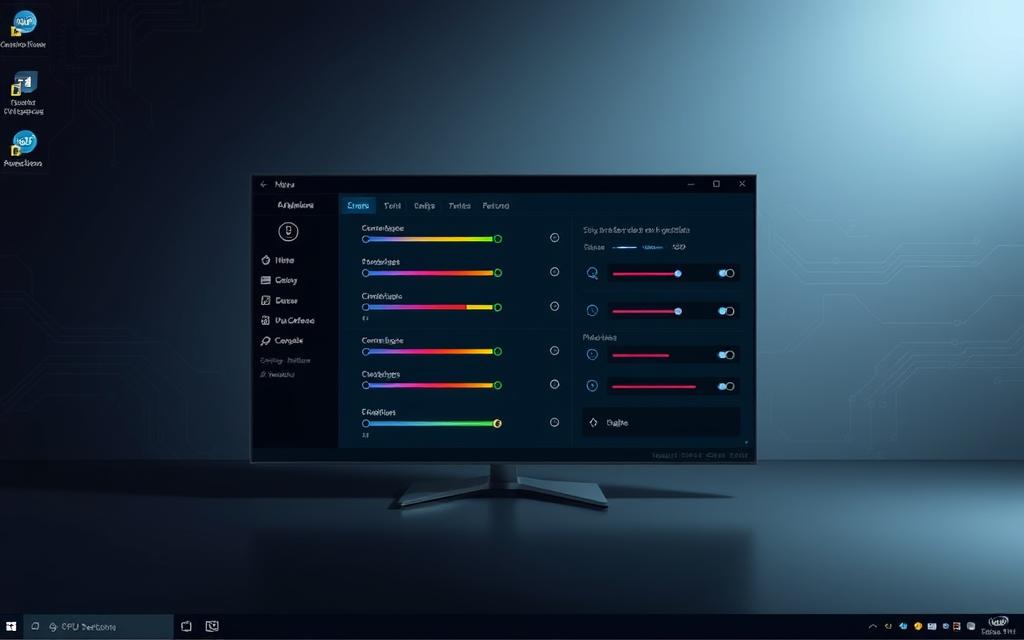
Most systems have Intel Speed Shift Technology on by default. But, it’s good to check this setting for the best performance. You can change settings in BIOS/UEFI or through the operating system.
Windows 10 and Windows 11 support Speed Shift automatically. Linux needs kernel version 4.4 or newer. Most recent Linux versions meet this requirement.
If you want to control it yourself, here’s what to do:
- Go to BIOS/UEFI settings when your system starts
- Find the CPU or power management settings
- Look for the Speed Shift Technology option (it might say SST)
- Make sure it’s turned on for it to work automatically
Most people should keep Speed Shift on. But, some users might turn it off for special tests or fixes. It’s not usually a good idea for everyday use, as it makes your system slower and less efficient.
It’s key to have the right operating system for enabling speed shift. Both windows 10 and modern linux kernels let the hardware work its best. Make sure your system meets these needs for the best performance.
For those with supported processors, the right BIOS and updated operating systems are all you need. This way, Intel Speed Shift Technology can greatly improve your system's performance and efficiency without you doing anything. Readers exploring intel speed shift often end up considering intel rapid storage used as part of the same topic.
Conclusion
Intel Speed Shift Technology changes how processors handle performance. It uses hardware to manage speed, making it faster than old software methods. This means systems are more responsive and use less power.
This tech is key in today’s computing world. It makes apps run faster and tasks quicker. At the same time, it helps mobile devices last longer on battery.
As computing needs grow, Intel Speed Shift will keep being vital. It sets a new standard for how processors adjust to different tasks. Looking at intel speed shift alongside affects way communicate digital gives a clearer view of the wider topic. This ensures systems are both strong and energy-efficient, no matter what you're doing.